 Krater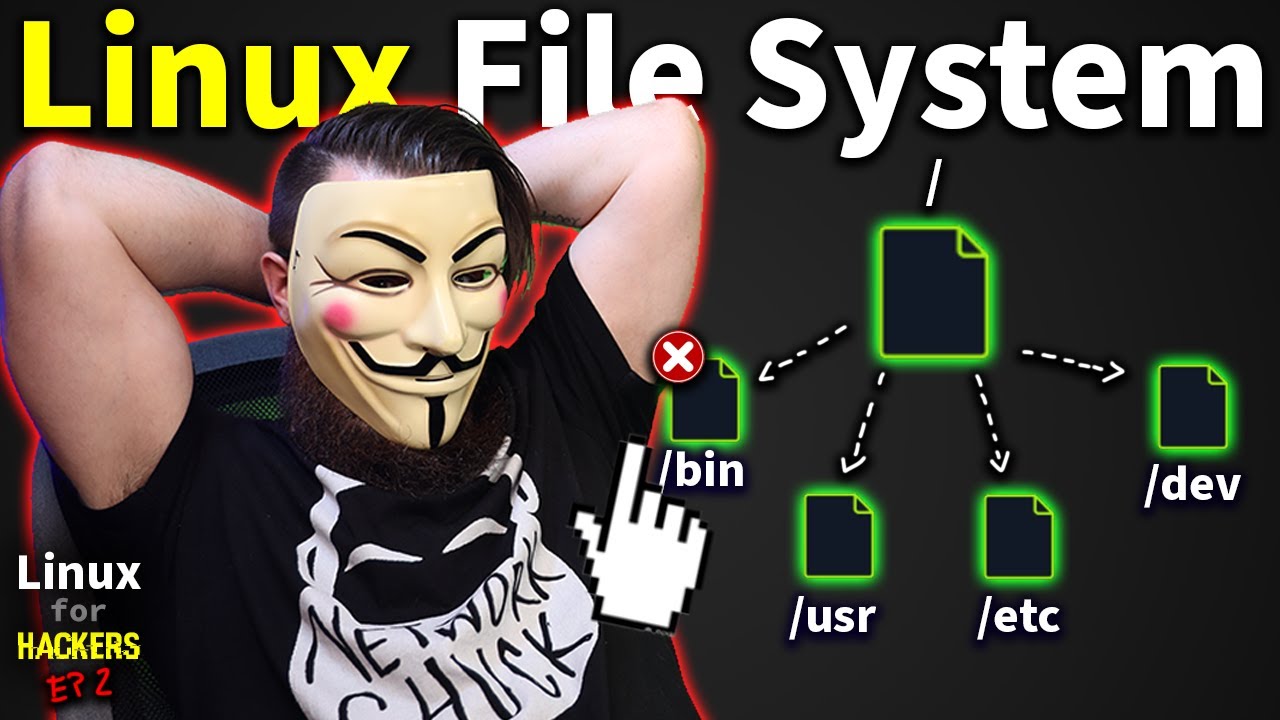
the Linux File System explained in 1,233 seconds // Linux for Hackers // EP 2
A video on YouTube. In Tech, a Krater category.
Watch on YouTubeSummary by Krater
NetworkChuck explores the Linux File System Hierarchy in the second episode of Linux for Hackers, demonstrating how core commands like ls, cat, cp, rm, and sudo interact with directories such as bin, sbin, usr, etc, dev, mnt, and media.
From the video
Answers: How does the Linux file system work and what are the main directories?
- Linux File System Hierarchy
- Linux command line basics
- File and directory management in Linux
- Superuser privileges and sudo
- Locating binary commands
What it concludes
- Everything in Linux is represented as a file.
- The bin and sbin directories store binary command files, with sbin containing administrative commands.
- The /dev directory holds files representing hardware devices like virtual disks.
- The /etc directory stores system configuration files.
- The /media and /mnt directories are used for mounting drives and storage media.
Rate it, review it and add it to your lists in Krater.
Titles and thumbnails from YouTube. Krater isn't affiliated with, endorsed by or sponsored by YouTube or Google.