 Krater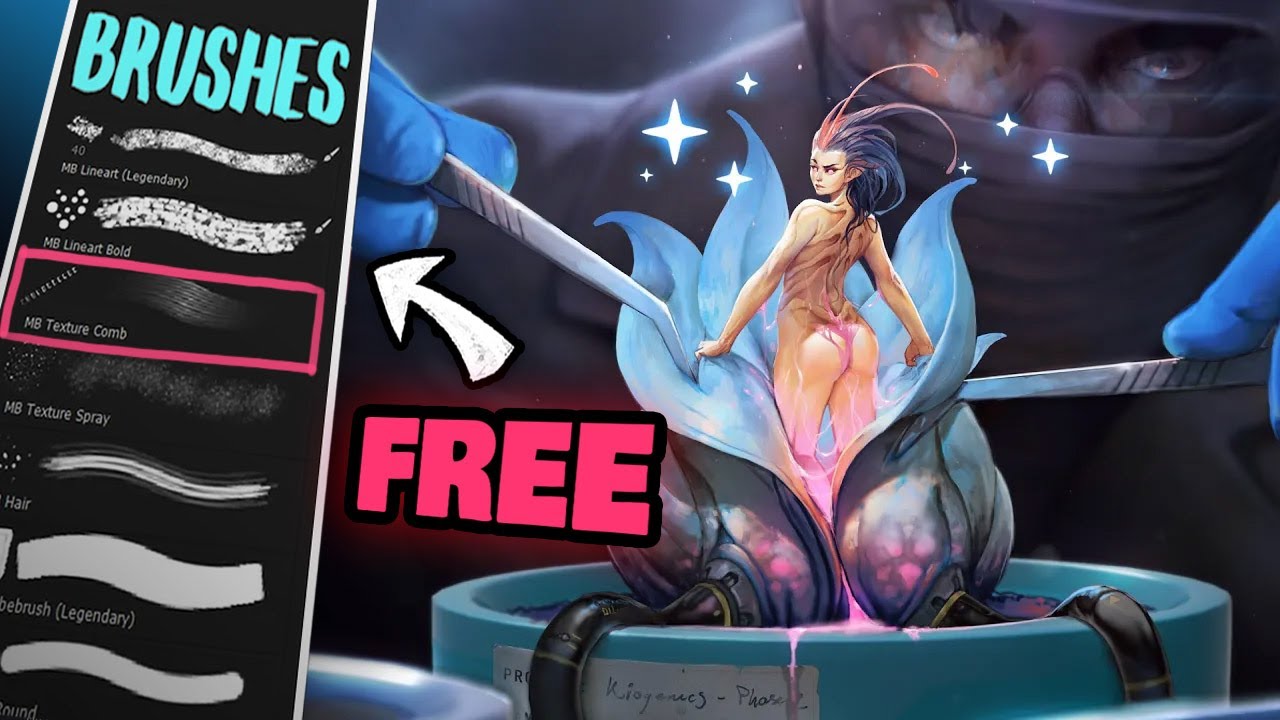
🎨 MY FREE BRUSHES AND HOW TO USE THEM (photoshop/CSP/Procreate)
A video on YouTube. In Art & Drawing, a Krater category.
Watch on YouTubeSummary by Krater
A professional digital artist reviews and demonstrates how to use his custom Adobe Photoshop brush set, showing each brush's texture, properties, and practical applications in digital painting.
From the video
Answers: How do I use my professional Adobe Photoshop brush set?
- Adobe Photoshop brush set tutorial
- Digital painting brush techniques
- Line art brush comparison
- Texture brushes in Photoshop
- Soft round vs textured brushes
What it concludes
- The one-pixel brush is used for very small details and sharp highlights where there is no softness.
- The hard round brush is used mostly as an eraser to get clean edges.
- The texture rust brush is great for adding damage, weathering, and chipping effects.
- The texture spray brush works well for dust, snow, and particles in the air.
- The cube brush is the creator's go-to for most speed painting cases, offering a watercolor-like quality.
Rate it, review it and add it to your lists in Krater.
Titles and thumbnails from YouTube. Krater isn't affiliated with, endorsed by or sponsored by YouTube or Google.