 Krater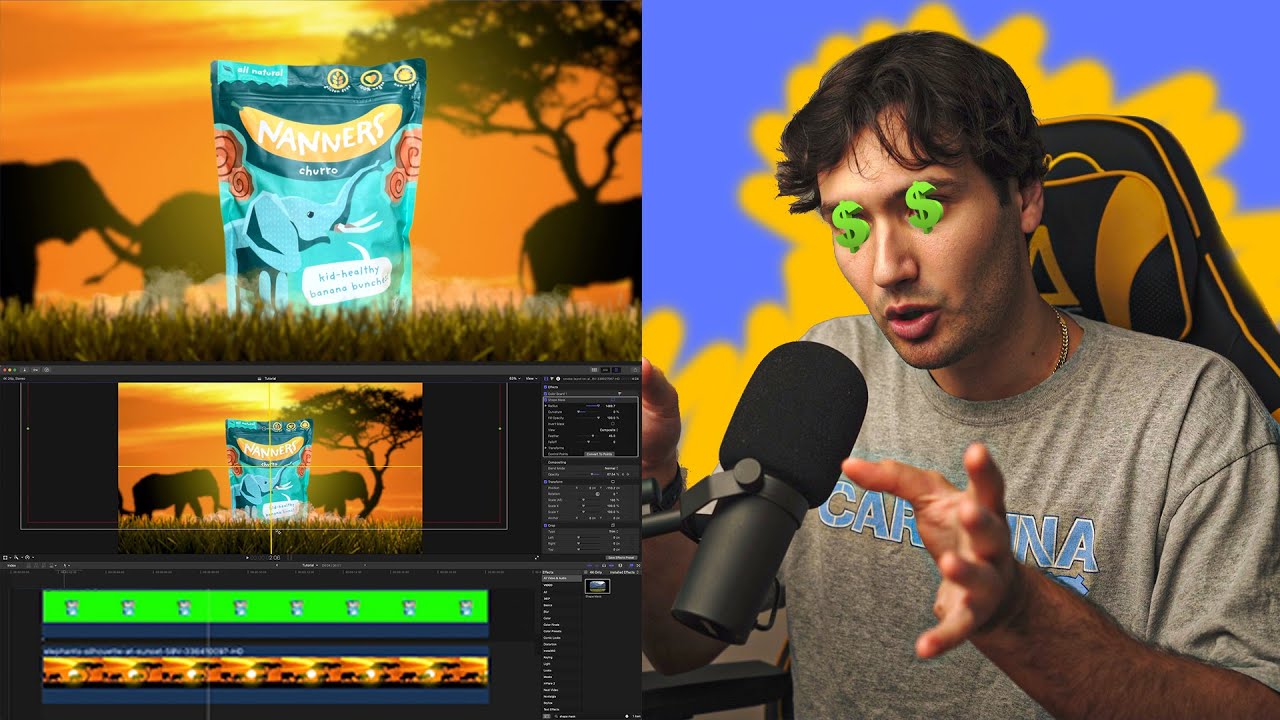
Turn a BASIC photo into an EXPENSIVE Video!
A video on YouTube. In Photography & Film, a Krater category.
Watch on YouTubeSummary by Krater
A video tutorial showing how to isolate a product from a background, composite it onto stock footage, and animate it with effects using Final Cut Pro X.
From the video
Answers: How do I composite a product shot onto stock footage and animate it in Final Cut Pro?
- product isolation in Final Cut Pro
- chroma keying green screen footage
- composite video editing techniques
- animating drop-in motion blur
What it concludes
- A product can be isolated from a background using the draw mask tool in Final Cut Pro without needing a green or blue screen.
- Stock footage and templates from Storyblocks can be integrated into client projects royalty-free.
- Applying motion blur to dropping animations makes them look realistic rather than completely sharp.
Rate it, review it and add it to your lists in Krater.
Titles and thumbnails from YouTube. Krater isn't affiliated with, endorsed by or sponsored by YouTube or Google.