 Krater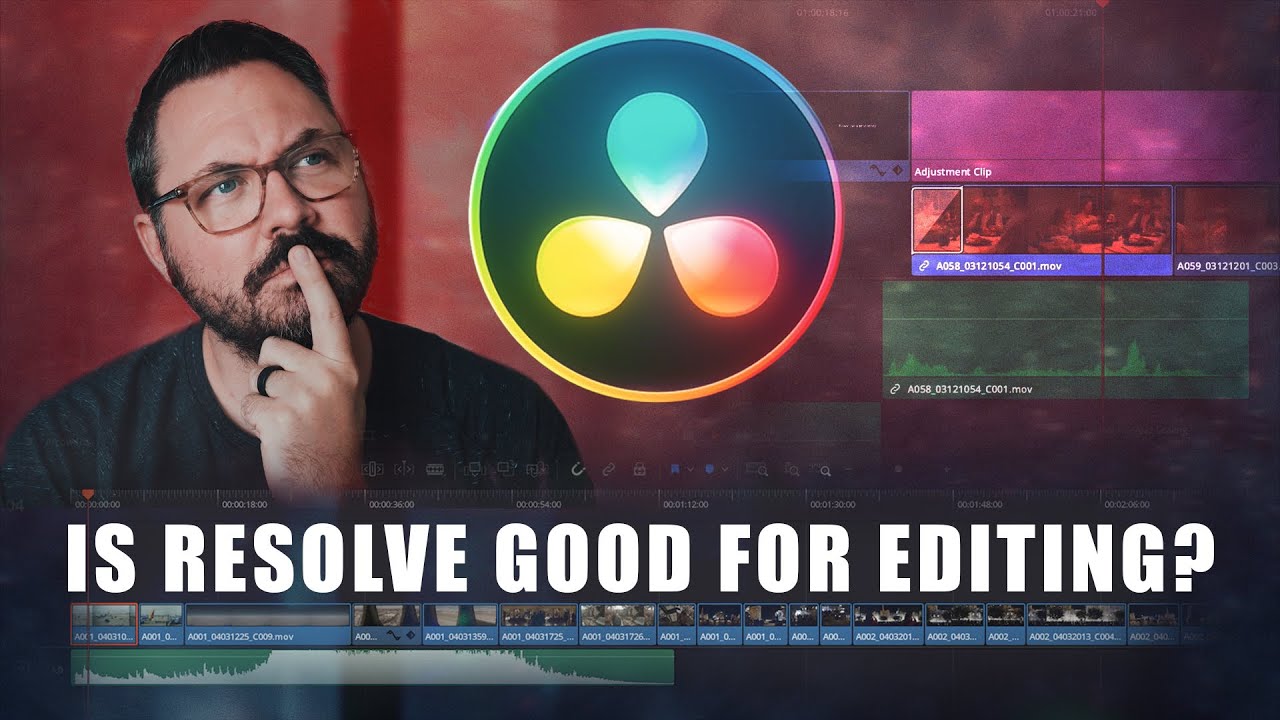
Is Davinci Resolve Good For Editing?
A video on YouTube. In Photography & Film, a Krater category.
Watch on YouTubeSummary by Krater
Ryan Connolly shares his initial impressions and workflow experiences using DaVinci Resolve 16 for editing, concluding that its free version is exceptional and the full studio version is well worth its one-time price.
From the video
Answers: What are the first impressions of DaVinci Resolve 16 for video editing?
- DaVinci Resolve 16 interface and layout
- Scene cut detection in DaVinci Resolve
- Retime controls and optical flow speed warping
- Color grading and denoising tools
- Fairlight audio mixing and waveforms
What it concludes
- DaVinci Resolve offers one of the best free editor versions available, complete with a color suite.
- The full version of DaVinci Resolve Studio 16 costs a one-time fee of $299 without a subscription.
- Scene cut detection in DaVinci Resolve automatically and accurately breaks out separate clips.
- Using Optical Flow and Speed Warp with AI generates extremely smooth slow-motion frames.
- DaVinci Resolve combines a node-based compositor, audio editor, and industry-standard color grading software into one application.
Rate it, review it and add it to your lists in Krater.
Titles and thumbnails from YouTube. Krater isn't affiliated with, endorsed by or sponsored by YouTube or Google.