 Krater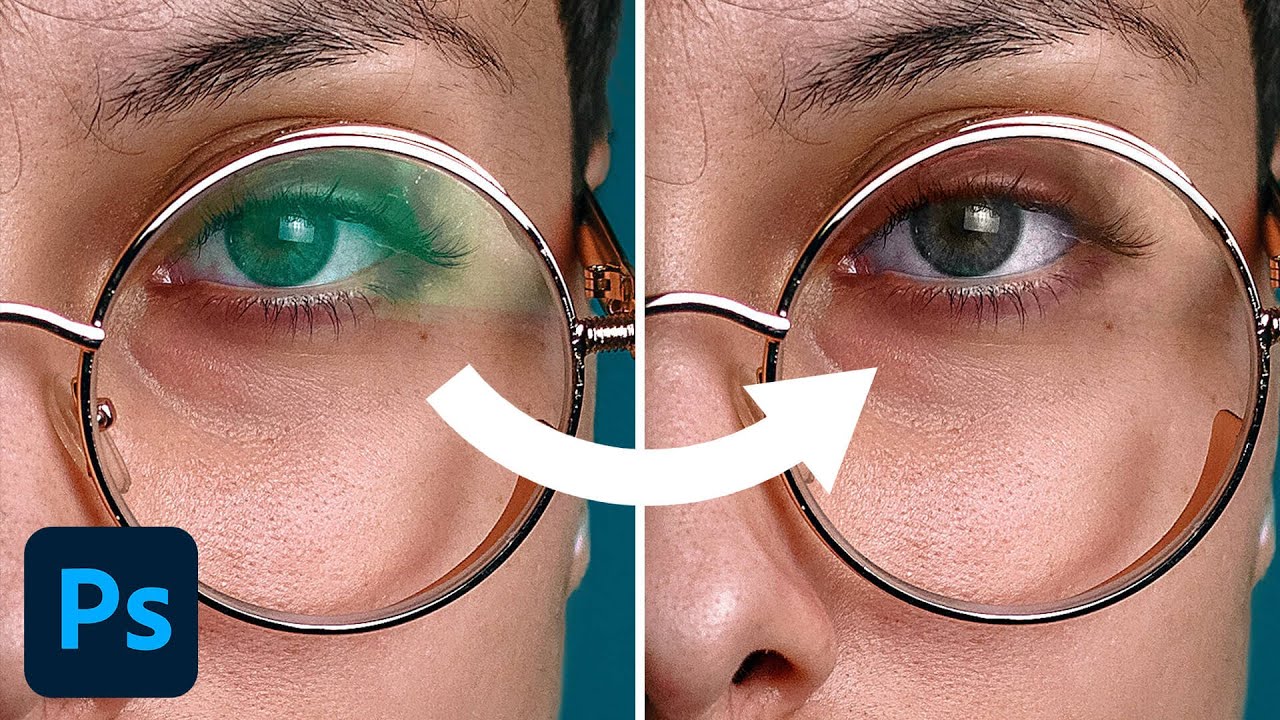
How to Remove Glare in Glasses in Photoshop
A video on YouTube. In Photography & Film, a Krater category.
Watch on YouTubeSummary by Krater
This Photoshop tutorial demonstrates how to remove green color casts and reflections from eyeglasses on a portrait. The instructor uses brush tools with color blend modes, levels adjustment layers with polygon lasso selections, and healing brushes to clean up edges and match skin tones.
From the video
Answers: How do I remove green glare from glasses in Photoshop?
- removing glass glare
- correcting color casts in Photoshop
- using color blend mode for retouching
- levels adjustment layers with layer masks
- polygon lasso selections for portrait retouching
- healing brush for edge cleanup
What it concludes
- Changing a brush layer's blend mode to color allows painting over green reflections with sampled skin tones to neutralize color casts.
- Using a polygonal lasso tool to create selections for levels adjustment layers allows darkening bright areas and matching contrast without affecting the whole image.
- Applying Gaussian blur to adjustment layer masks helps soften harsh edges where selections were made.
Rate it, review it and add it to your lists in Krater.
Titles and thumbnails from YouTube. Krater isn't affiliated with, endorsed by or sponsored by YouTube or Google.