 Krater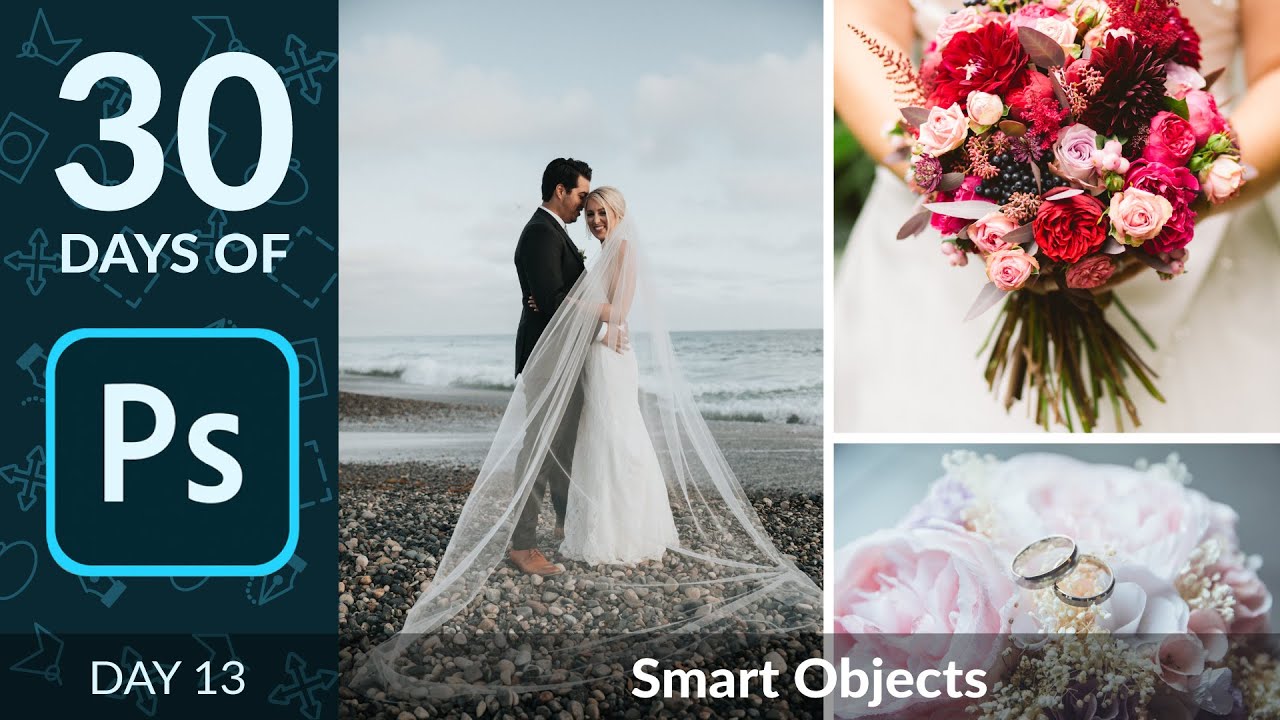
Edit Non-Destructively with Smart Objects in Photoshop | Day 13
A video on YouTube. In Photography & Film, a Krater category.
Watch on YouTubeSummary by Krater
This tutorial demonstrates how to use Smart Objects in Adobe Photoshop to resize images and apply filters without losing resolution or permanently baking in edits.
From the video
Answers: How do Smart Objects work in Adobe Photoshop?
- Photoshop Smart Objects
- Non-destructive editing
- Smart filters
- Resizing images without loss of resolution
What it concludes
- Smart Objects allow you to resize images up and down repeatedly without losing resolution.
- Smart filters applied to Smart Objects can be edited, turned off, or adjusted at any time.
- Smart filters can be easily copied between different Smart Object layers.
Rate it, review it and add it to your lists in Krater.
Titles and thumbnails from YouTube. Krater isn't affiliated with, endorsed by or sponsored by YouTube or Google.