 Krater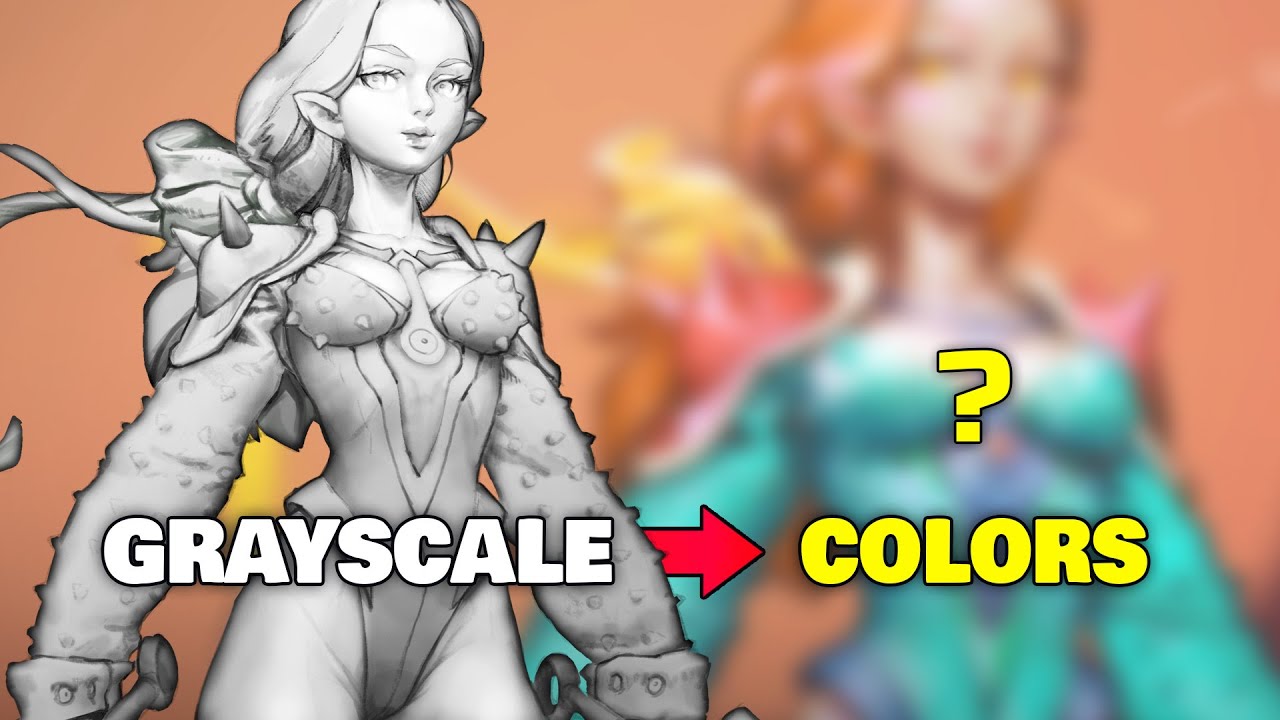
GRAYSCALE TO COLOR 🗝 My secret technique 🤫
A video on YouTube. In Art & Drawing, a Krater category.
Watch on YouTubeSummary by Krater
The creator demonstrates a fast and efficient method for coloring black-and-white digital drawings in Photoshop using gradient maps. By breaking down the illustration into flat color selections and applying custom gradient maps to value ranges, artists can quickly color-block and refine character illustrations.
From the video
Answers: How do you color a black and white drawing in Photoshop using gradient maps?
- gradient maps in Photoshop
- digital drawing coloring technique
- black and white to color workflow
- flat color layer setup
- color theory for digital art
What it concludes
- Gradient maps provide a significantly faster workflow for coloring black and white digital drawings compared to other methods.
- Using gradient maps makes it much harder to fail or mess up your coloring.
- Breaking down your illustration into flat color selections allows you to apply gradient maps to specific character areas accurately.
- Gradient map coloring is easiest when your underlying black and white drawing uses the full range of values from black to white.
Rate it, review it and add it to your lists in Krater.
Titles and thumbnails from YouTube. Krater isn't affiliated with, endorsed by or sponsored by YouTube or Google.