 Krater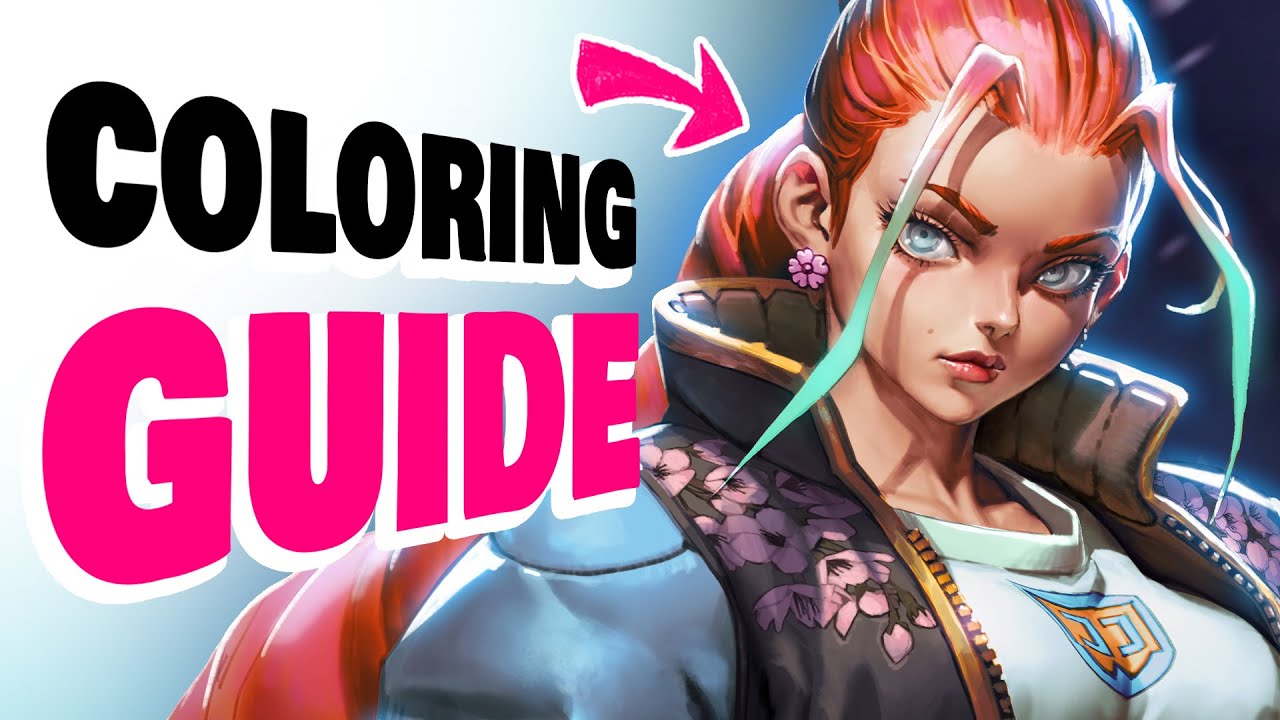
💎 NEW COLORING METHOD (how to color your drawings)
A video on YouTube. In Art & Drawing, a Krater category.
Watch on YouTubeSummary by Krater
The creator demonstrates a six-step digital art coloring workflow in Photoshop, covering shading, flat colors, gradient maps, color adjustments, reflections, and rim lighting.
From the video
Answers: How do you color digital art drawings using a multi-step Photoshop workflow?
- Digital art coloring workflow
- Shading techniques in Photoshop
- Using gradient maps for coloring
- Color adjustments for character art
- Adding reflections and rim lighting
What it concludes
- Shading takes up 60 to 70 percent of the work and provides a solid black and white foundation before coloring.
- Using 5 to 12 gradient maps provides a good balance between speed and control when adding colors.
- Reflections and rim lighting enhance the visual depth and drama of the character design.
Rate it, review it and add it to your lists in Krater.
Titles and thumbnails from YouTube. Krater isn't affiliated with, endorsed by or sponsored by YouTube or Google.