 Krater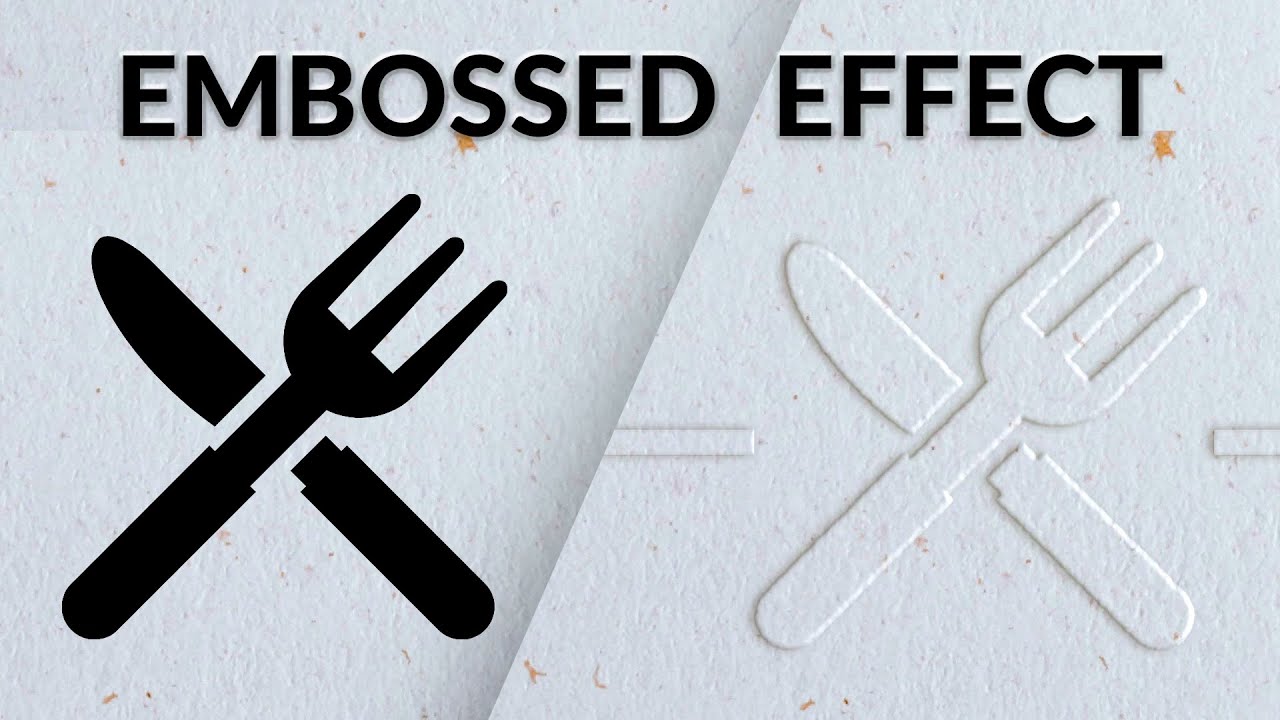
How to Add an Embossed Effect to Text & Logos in Photoshop
A video on YouTube. In Photography & Film, a Krater category.
Watch on YouTubeSummary by Krater
A tutorial on how to create a realistic embossed paper effect in Adobe Photoshop, demonstrating layer styles, blending options, bevel and emboss settings, and texture adjustments.
From the video
Answers: How do I create an embossed effect in Photoshop?
- Embossed paper effect in Photoshop
- Layer styles and blending options
- Bevel and emboss settings
- Adding texture to layers
- Color range selections
What it concludes
- Fill opacity must be brought down to zero in blending options so that only layer effects like bevel and emboss are visible.
- Using a smart object allows spatter and filter gallery settings to be adjusted at any time.
- Anything added to an embossed layer automatically inherits the emboss effect.
Rate it, review it and add it to your lists in Krater.
Titles and thumbnails from YouTube. Krater isn't affiliated with, endorsed by or sponsored by YouTube or Google.