 Krater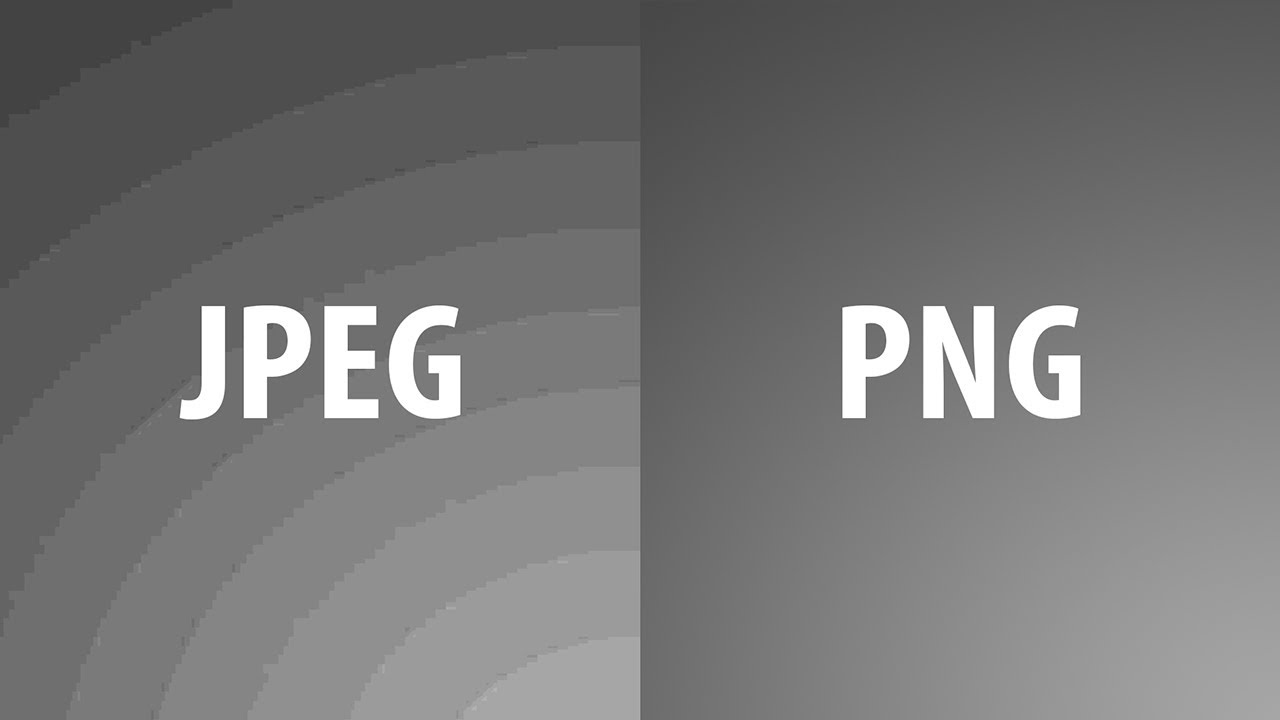
STOP Using JPEG? JPEG vs PNG in Depth!
A video on YouTube. In Photography & Film, a Krater category.
Watch on YouTubeSummary by Krater
This video compares JPEG and PNG image file formats in Photoshop, explaining their differences in quality, file size, banding, bit depth, and transparency. It concludes that PNG is better for flat graphics, transparency, and 16-bit editing, while JPEG is better for real photographs and smaller file sizes.
From the video
Answers: Should I use JPEG or PNG for my images?
- JPEG vs PNG comparison
- Image file formats in Photoshop
- Color banding and bit depth
- Transparency in PNG and JPEG
- File size and compression quality
What it concludes
- PNG is lossless and does not lose quality when exported, while JPEG is lossy.
- For flat illustrations and graphics where colors can be counted, PNG is hands down better.
- For real photographs, JPEG wins by producing significantly smaller file sizes with good quality compared to PNG.
- JPEG file format does not support 16-bit color depth, whereas PNG supports 16-bit.
- PNG supports transparency and opacity levels, while JPEG does not support transparency.
Rate it, review it and add it to your lists in Krater.
Titles and thumbnails from YouTube. Krater isn't affiliated with, endorsed by or sponsored by YouTube or Google.